 Keeptab
Blog
Tips and research to tame your tabs: how to save them, find them again and keep Chrome fast.
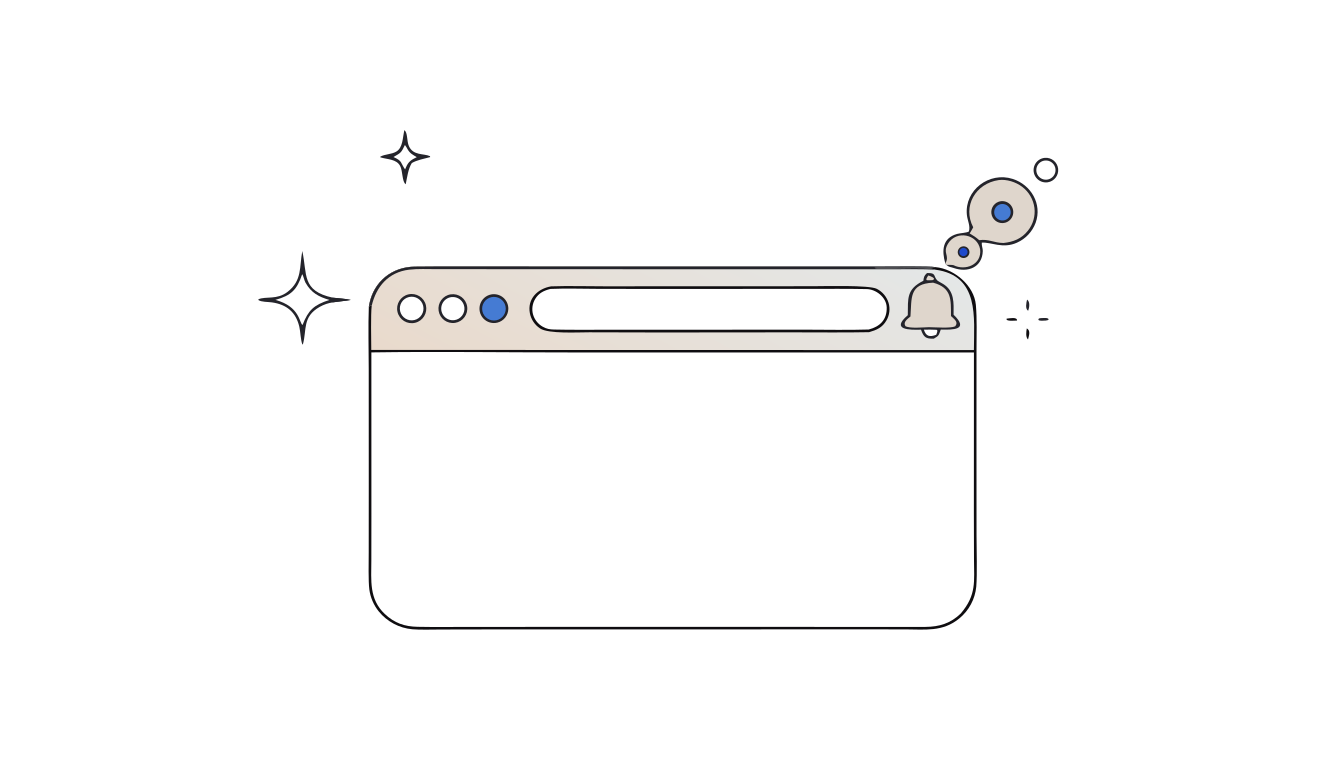
How to stop website notifications in Chrome
Stop website notifications in Chrome: change the default, block one site, or switch to quieter prompts so requests no longer pop up while you work.
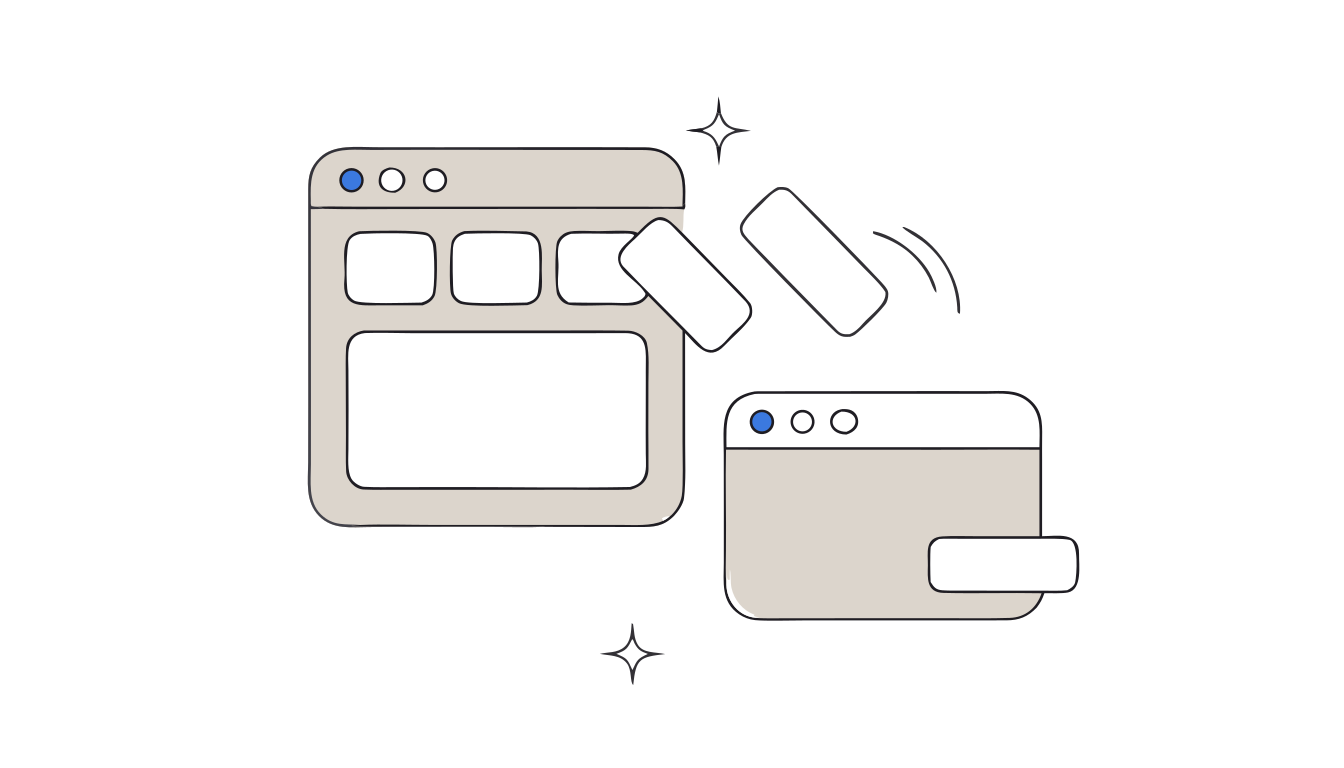
How to move tabs to a new window in Chrome
Drag a tab out to open it in a new window, move several tabs at once, and name each Chrome window so you can tell them apart with Alt+Tab.
Chrome won't open: what to do
Chrome won't open at all? It may already be running in the background. Force it closed, check your antivirus, restart, then reinstall, in that order.
How to close all tabs in Chrome at once
Close all tabs in Chrome at once: close the window, quit Chrome or close a selection. Save them first in one shortcut, and undo a mistake with Ctrl+Shift+T.
How to save a tab group in Chrome for later
Save a Chrome tab group for later: name it, close it, and reopen it from the bookmarks bar or the menu. Plus the two Appearance settings that help.
How to pin tabs in Chrome
Pin a tab in Chrome with a right-click, pin several at once, and unpin them. Plus when pinned tabs help and when they get in the way, per a CMU study.
Chrome keeps crashing with lots of tabs: recover them, then fix it
Chrome keeps crashing or freezing with many tabs open? Get your tabs back first, then the fixes Google recommends: memory, extensions, hardware acceleration.
Chrome closed all your tabs after an update: how to get them back
Chrome restarted after an update and your tabs are gone? Why it happens, how to reopen them in seconds, and how to update without losing a window.
How to use Chrome profiles to separate work and personal tabs
Use Chrome profiles to keep work and personal tabs, bookmarks and history separate. How to add, switch, edit and remove a profile, step by step.
Chrome tab shortcuts: the 12 worth learning
The Chrome keyboard shortcuts for tabs that save the most time, for Windows and Mac: reopen, jump, close, search and save all tabs. Checked against Google's list.
How to send a Chrome tab to your phone or share it
Send a Chrome tab to your phone in two clicks, share a page with a QR code, or pass it to someone else. The exact menus from Google's help.
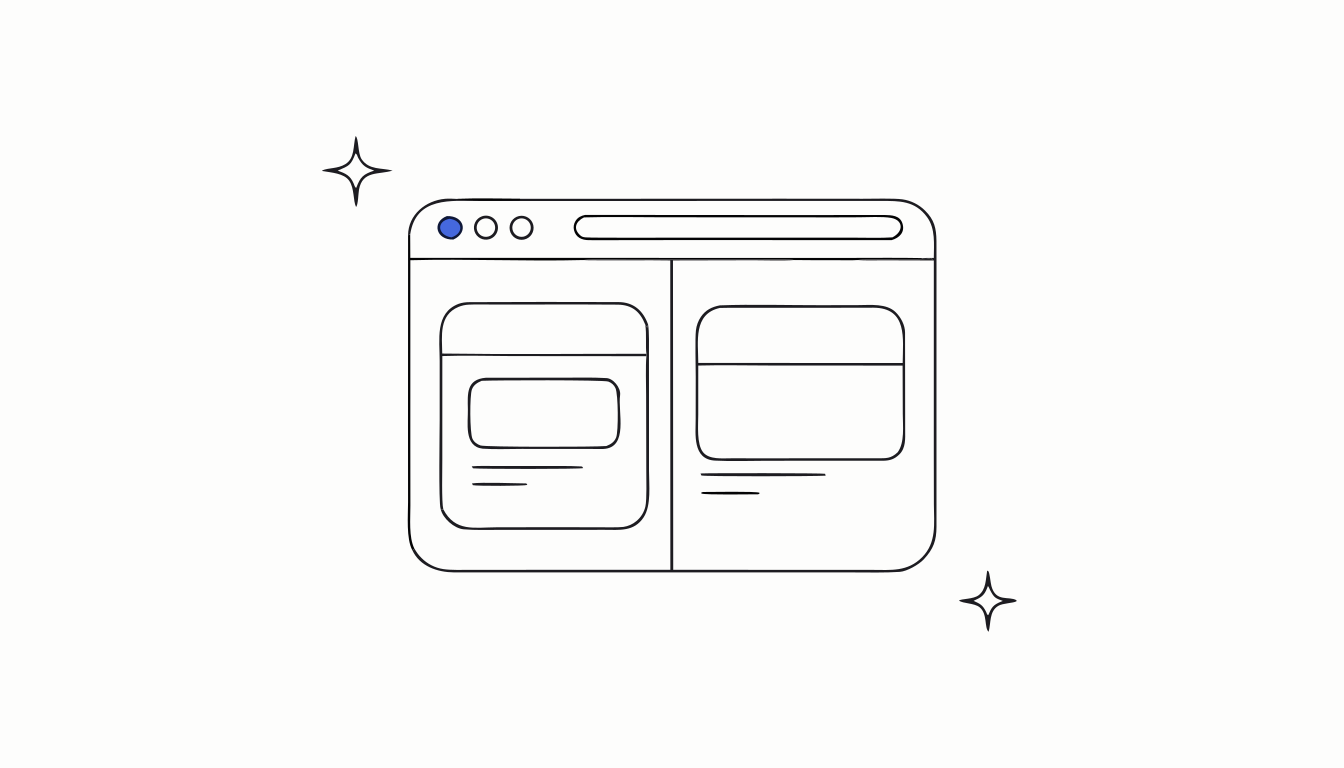
How to use split view in Chrome
Chrome can now show 2 tabs side by side in one window. How to open split view, the keyboard shortcut, how to swap, stack or separate the views.
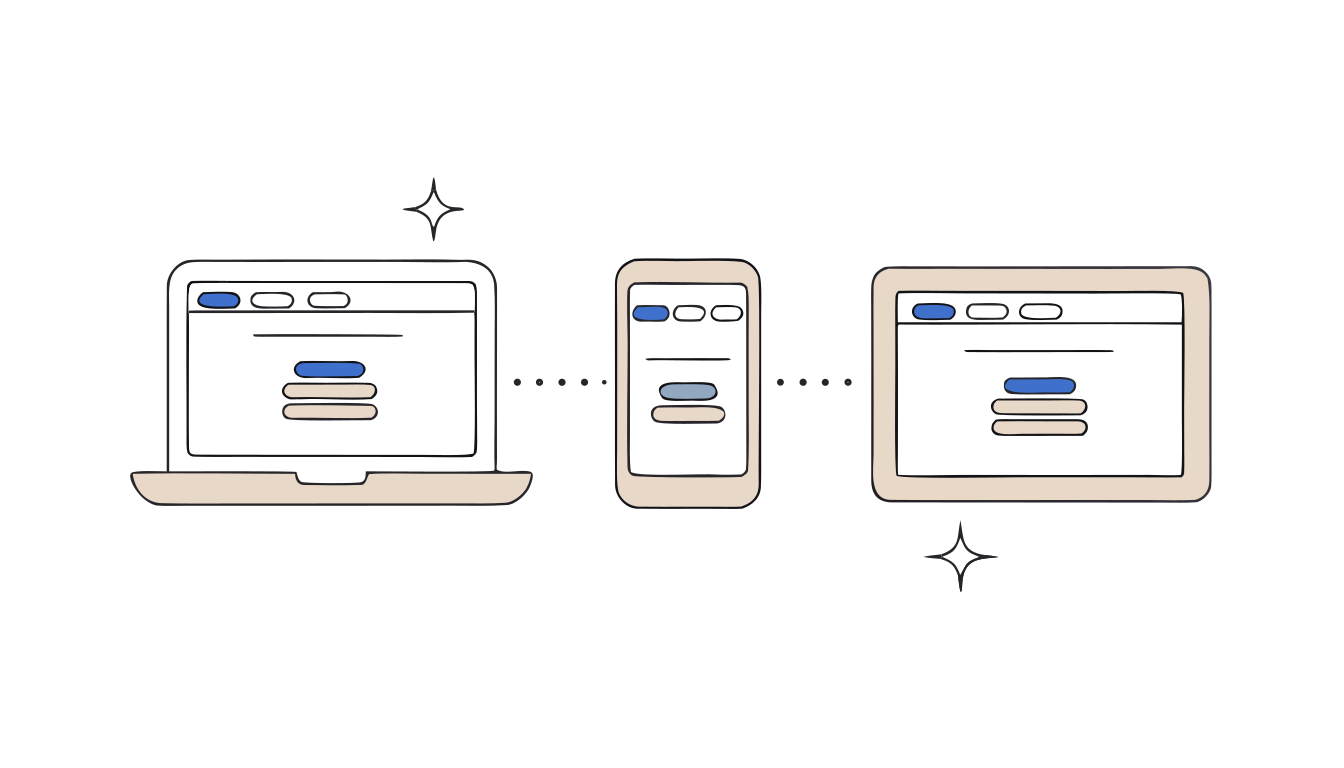
Chrome "Tabs from other devices" not showing: what to check
Your phone tabs don't appear on your computer in Chrome? Check these 4 settings, from "History and tabs" to the account you're signed in with.
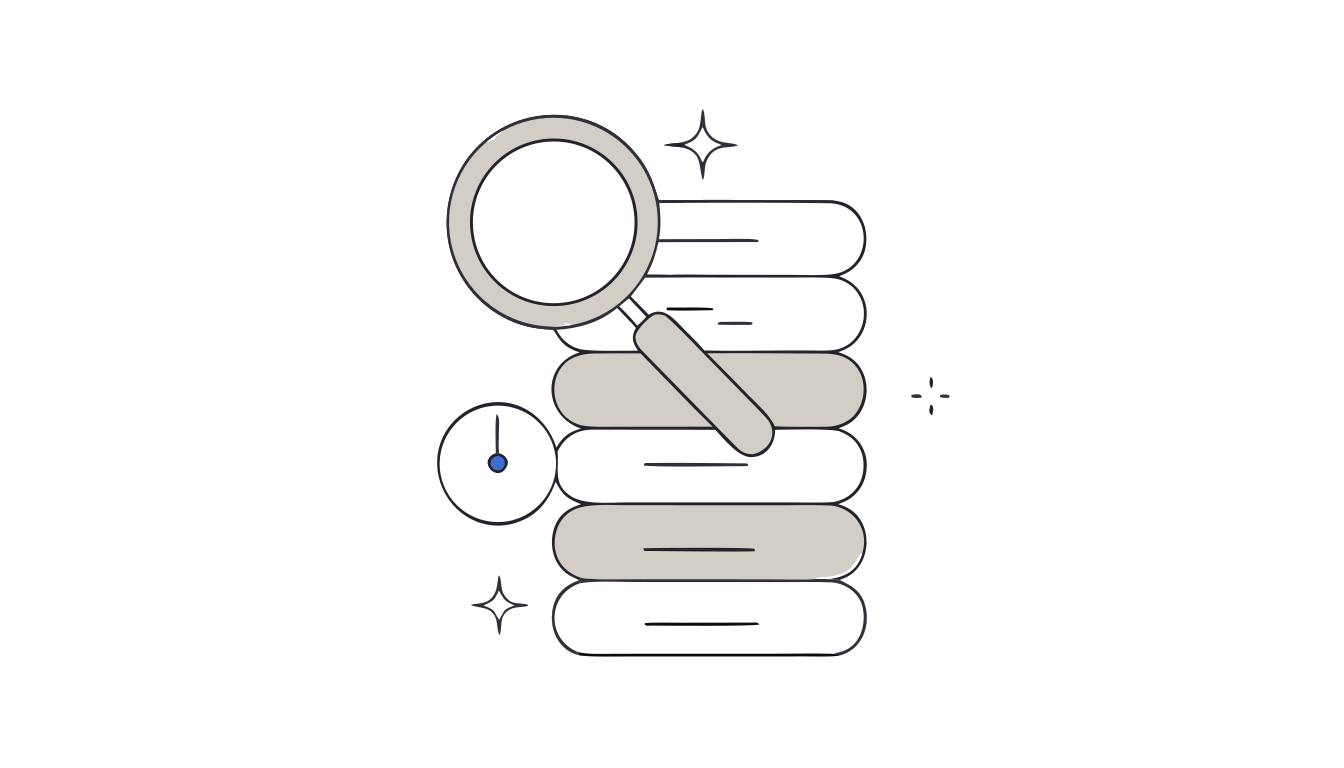
How to find a page you visited in Chrome history
Lost a page you saw last week? Search your Chrome history by keyword, date or group, or straight from the address bar with @history. Exact steps.
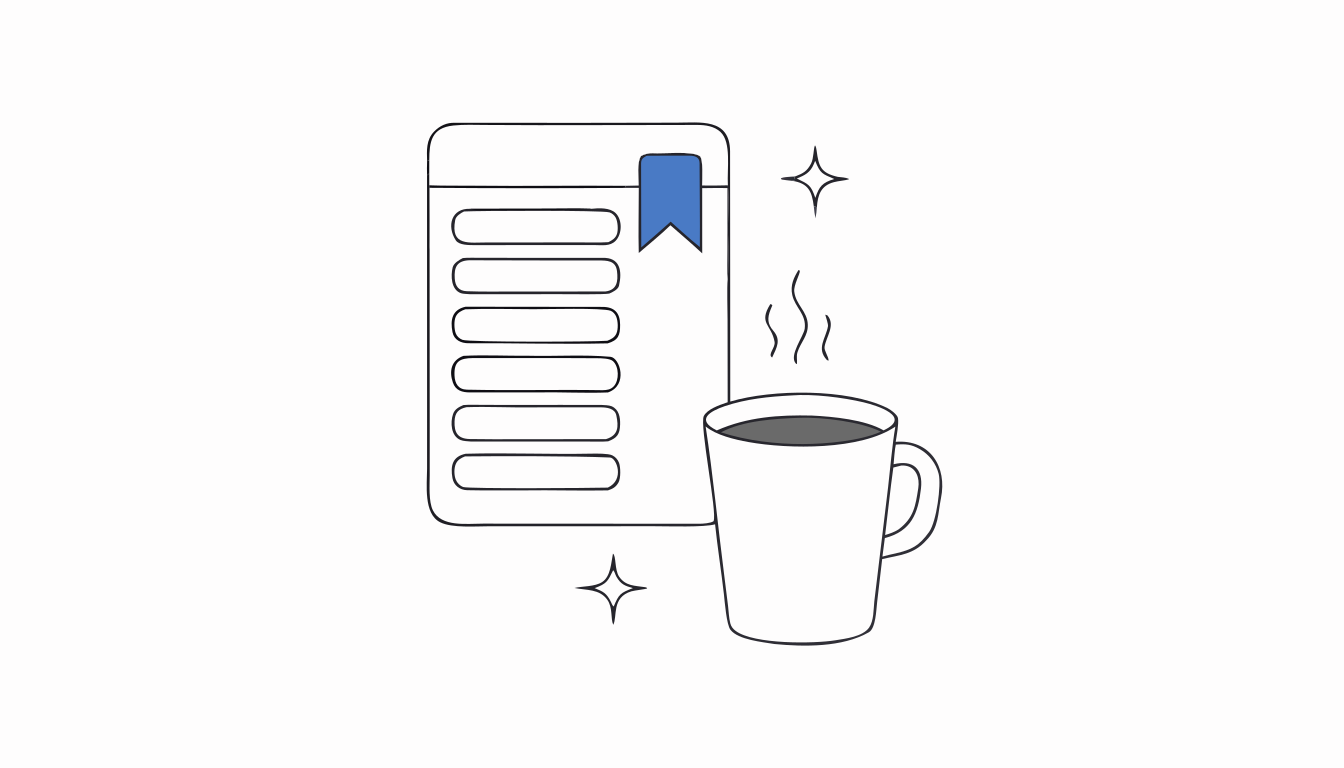
How to use the Chrome Reading List
Where is the Chrome Reading List and how do you add tabs to it? The exact menus, the right-click shortcut, how to read offline, and what it can't do.
How to organize your Chrome bookmarks
Chrome bookmarks a mess? Create folders, sort by name or date, move bookmarks in bulk and find any of them with @bookmarks. Every step from Google's help.
Too many tabs slowing down Chrome? Here's what to do
Chrome getting slow with lots of tabs open? Find the heavy tabs, let Memory Saver put idle ones to sleep, and close the rest without losing them.
How to select multiple tabs in Chrome
Select several Chrome tabs at once with Ctrl or Shift, then group, move, pin, mute or close them in one go. Works without a mouse too.
How to make Chrome reopen your tabs on startup
Make Chrome reopen the tabs you had open when you quit. Turn on Continue where you left off in Settings, plus what this setting can and can't save.
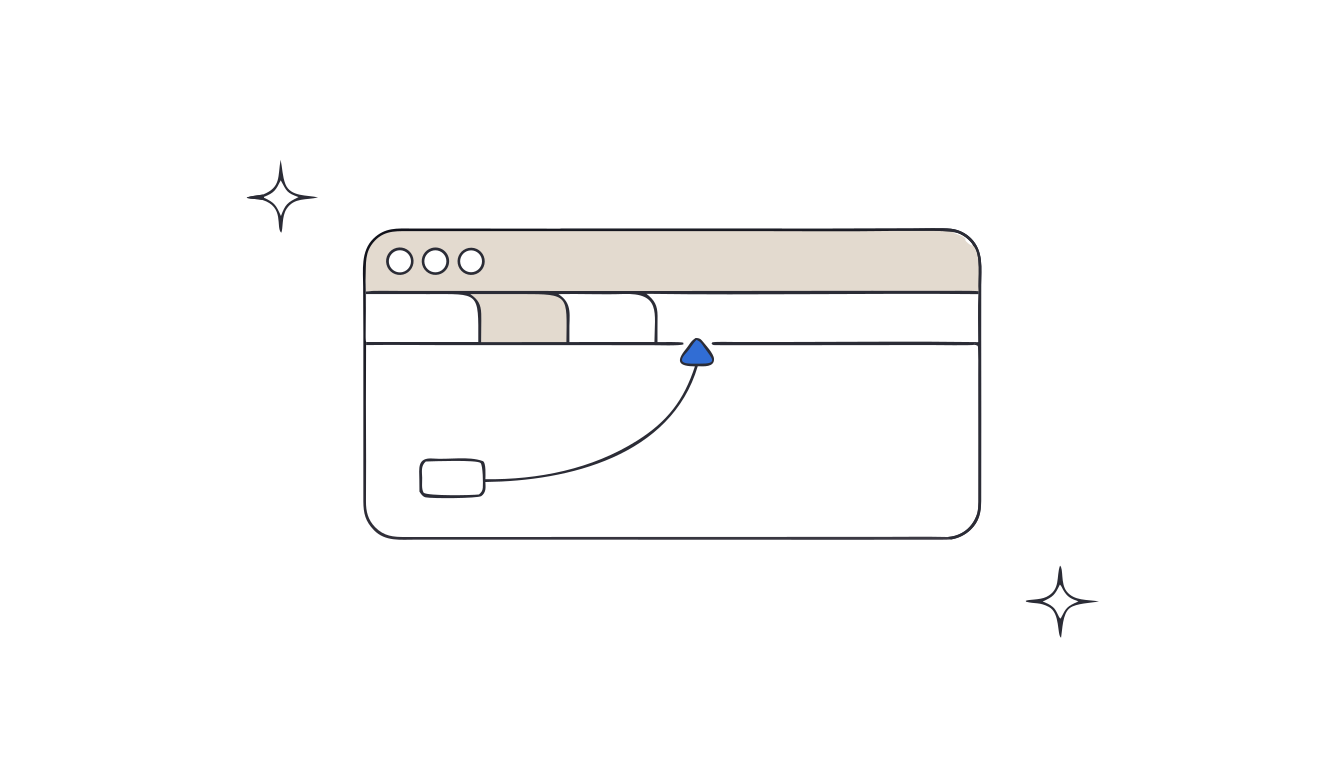
How to reopen a closed tab in Chrome
Closed the wrong tab? Press Ctrl+Shift+T (⌘+Shift+T on Mac) to bring it back. For older pages, Chrome's history keeps 90 days. Here's every way back.
Tab management habits that actually work
Seven habits for fewer open tabs, each tied to a real reason people keep tabs in a Carnegie Mellon study: reminders, references, fear of losing a page, and more.
OneTab lost my tabs: can I get them back?
OneTab keeps its lists inside your Chrome profile, on one computer. Where to find the data after a new PC, a new Windows user or a reinstall, and how to avoid it.
The best tab managers for Chrome: Keeptab vs OneTab, Session Buddy, Toby and more
The best Chrome tab managers compared, with Keeptab first and a clear “X vs Keeptab” for OneTab, Session Buddy, Toby, Workona, Tabs Outliner and more.
How to turn on vertical tabs in Chrome
Chrome can show your tabs in a side column. Right-click the tab strip › Show Tabs Vertically, or Settings › Appearance › Tab position. All the ways, from Google's help.
Can't find a tab in Chrome? Use Tab Search
Lost among dozens of open tabs? Chrome's Tab Search finds any open tab by keyword: Ctrl+Shift+A (⌘+Shift+A on Mac), or type @tabs in the address bar.
How to move your Chrome tabs to another computer
Three ways to get your open Chrome tabs on a new computer: sync “History and tabs”, save them as bookmarks with Ctrl+Shift+D, or export bookmarks to an HTML file.
Chrome tab groups disappeared? Here is where they went
A closed tab group in Chrome is not deleted: it is saved in the bookmarks bar or in More › Tab groups. What close, delete and ungroup really do, from Google's help.
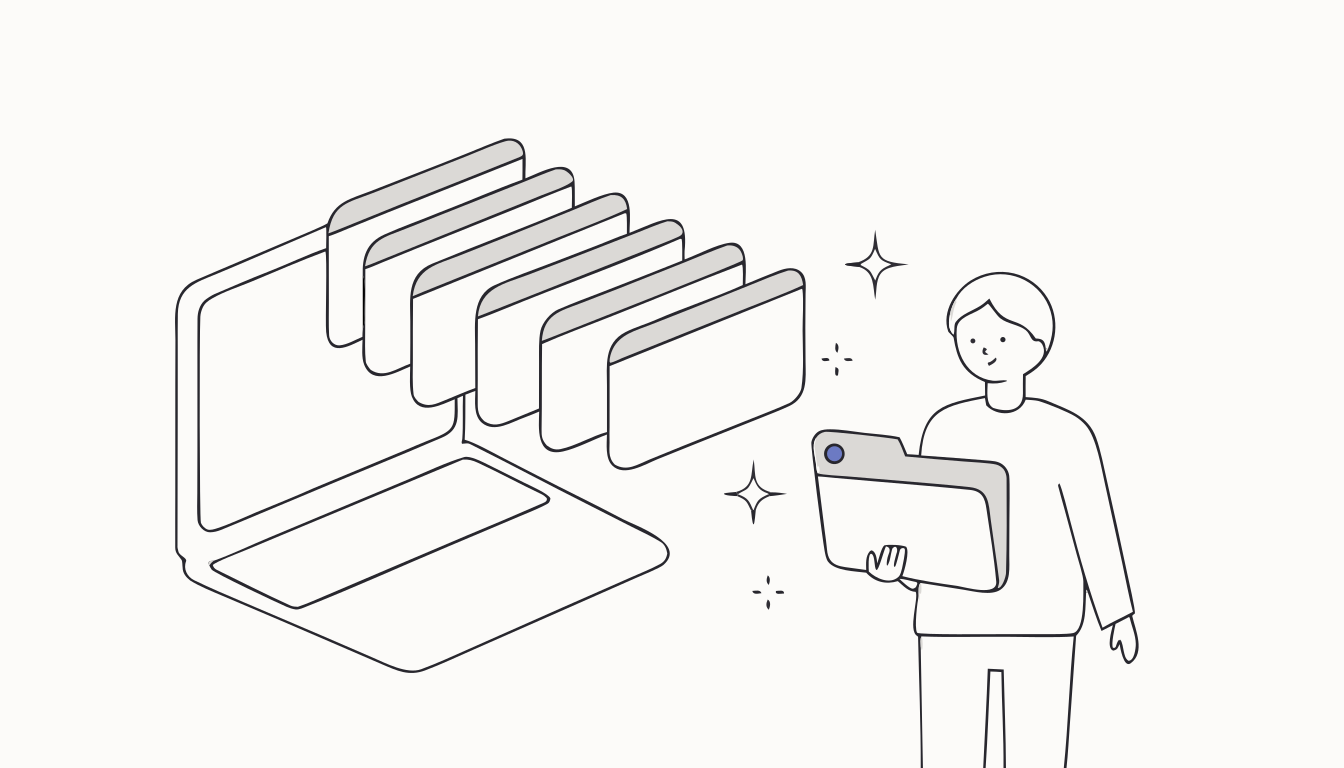
How to save all open tabs in Chrome
Chrome can save every open tab as bookmarks with one shortcut: Ctrl+Shift+D (⌘+Shift+D on Mac). How it works, its limits, and how to keep a backup copy.
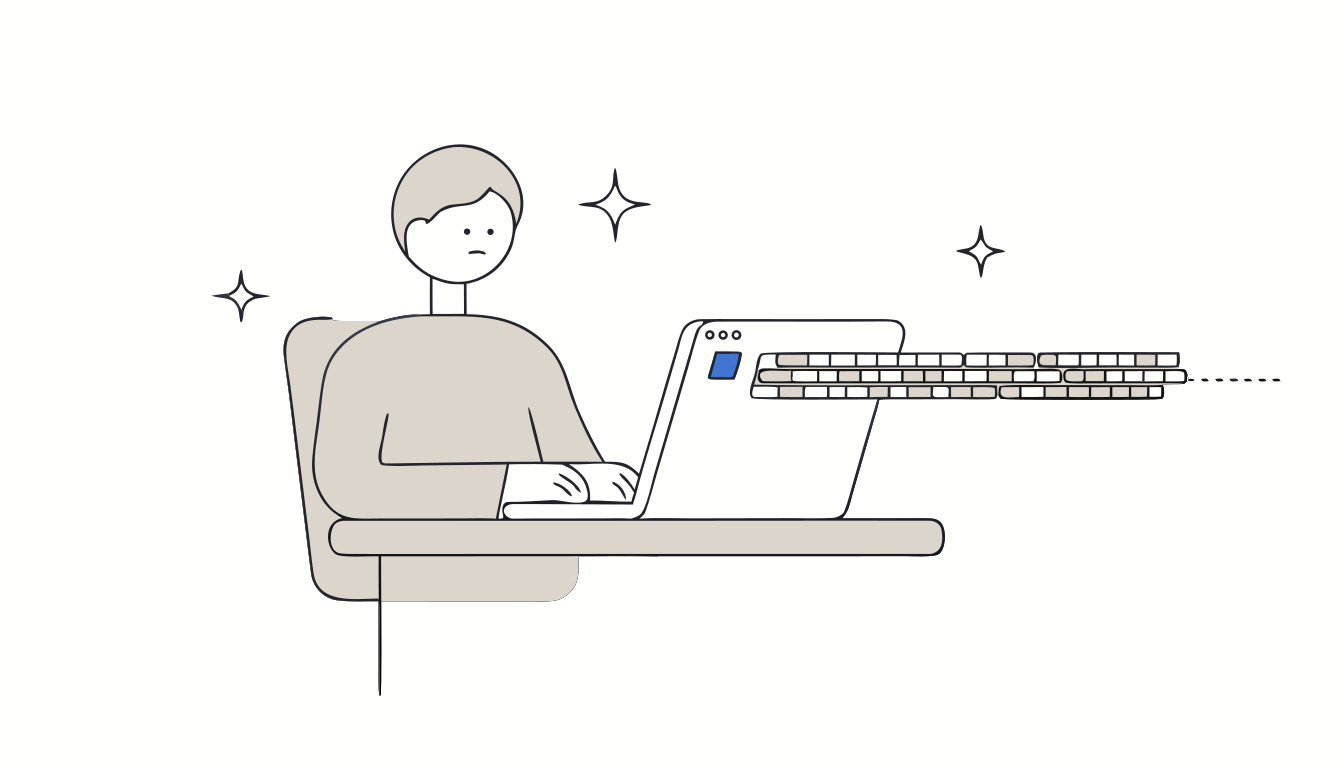
Why we keep too many tabs open: what Carnegie Mellon research found
55% of people say they can't let go of their tabs and 25% have had a crash from too many tabs. The key numbers from Carnegie Mellon's CHI 2021 study on browser tabs, with sources.
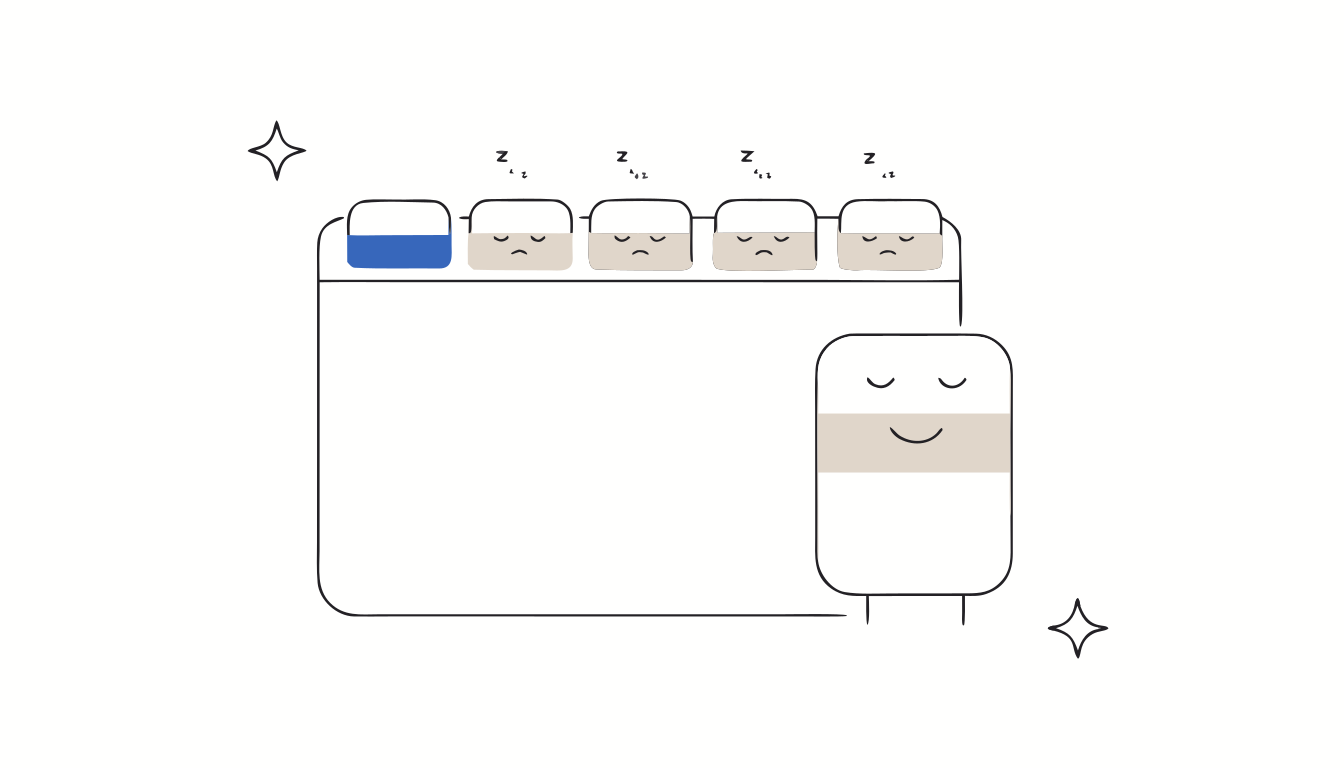
Chrome Memory Saver explained: what it does to your tabs
Chrome Memory Saver puts unused tabs to sleep to free memory (up to 40% less, says Google). How it works, its 3 modes, what keeps a tab awake, and what it does not do.
First article on .