 Keeptab
Chrome Memory Saver explained: what it does to your tabs
Published · Keeptab
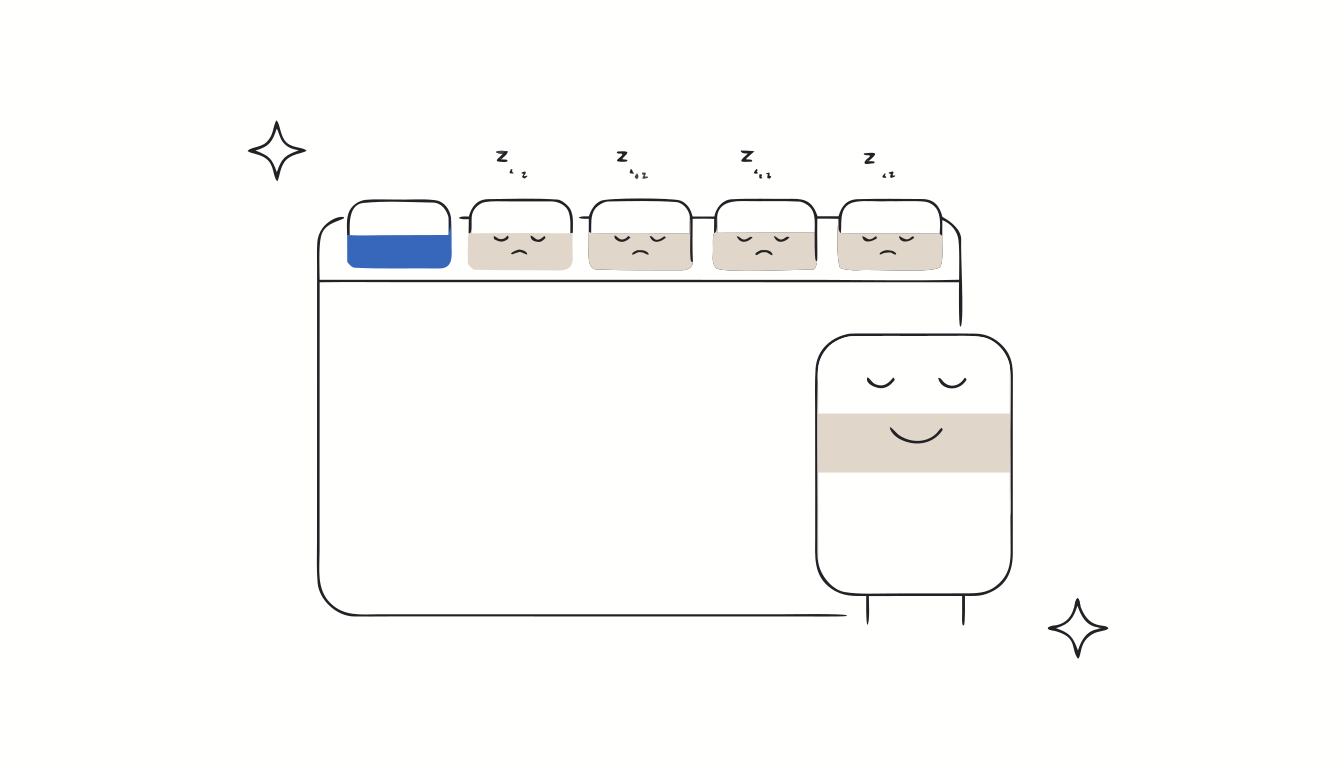
In short: Memory Saver is a Chrome setting that deactivates tabs you aren't using, to free memory; a tab reloads when you go back to it.[1] Google said in December 2022 that it lets Chrome use up to 40% and 10GB less memory.[2] It does not close your tabs or save a copy of them: it is a memory feature, not a backup.
What Memory Saver does
Google's help page puts it simply: Chrome deactivates tabs that you aren't currently using, and when you access an inactive tab, it automatically reloads.[1]
Google announced Memory Saver on December 8, 2022, together with Energy Saver, for Windows, macOS and ChromeOS. According to Google, the two settings let Chrome use “up to 40% and 10GB less memory”.[2]
How to turn it on
- Open Chrome.
- At the top right, select More (⋮), then Settings.
- On the left, select Performance.
- Turn Memory Saver on or off.[1]
The 3 modes
| Mode | What Google says |
|---|---|
| Moderate | Moderate memory savings. Tabs become inactive after a longer period of time. |
| Balanced (recommended) | Balanced memory savings. Tabs become inactive after an optimal period of time. |
| Maximum | Maximum memory savings. Tabs become inactive after a shorter period of time. |
Source: Google Chrome Help.[1] Google does not publish the exact delays.
What keeps a tab awake
Some activities prevent a tab from being deactivated:[1]
- Active audio or video (playback or calls)
- Screen sharing
- Page notifications
- Active downloads
- Partially filled forms
- Pinned tabs
- Connected devices (USB or Bluetooth)
You can also add sites to the “Always keep these sites active” list: Settings › Performance › Add.[1] If you turn on “Inactive tabs appearance”, the icon of an inactive tab is shown inside a ring.[1]
Energy Saver, its twin
Energy Saver was announced at the same time. It turns on when your battery reaches 20%.[2] Google's help page says that, to extend your battery, Chrome then reduces its image capture rate and other background tasks.[1]
What Memory Saver does not do
Memory Saver is about memory, not about keeping your tabs safe. Google's help page describes deactivating and reloading tabs; it says nothing about saving or restoring them.[1] In practice:
- Your tabs stay in the tab strip. The clutter is still there; it just uses less memory.
- It does not save a copy of your tab list. If a window is closed or Chrome loses your session, Memory Saver can't bring it back.
- A reloaded page can lose its state, such as your scroll position. (Partially filled forms are an exception: they keep a tab awake.[1])
Our take, as makers of Keeptab: Memory Saver and a tab manager do different jobs. Memory Saver keeps open tabs light. A tab manager like Keeptab lets you close tabs into lists, backs those lists up every hour and notes your open tabs every 5 minutes, so you can close tabs without fear of losing them.
FAQ
Does Chrome Memory Saver close my tabs?
No. It deactivates tabs you aren't using to free memory. The tab stays in your tab strip and reloads when you open it again (Google Chrome Help).
How much memory does Memory Saver save?
Google said in December 2022 that Memory Saver and Energy Saver let Chrome use up to 40% and 10GB less memory (Google Blog, December 8, 2022).
How do I stop Chrome from putting a site to sleep?
Go to Settings › Performance and, next to “Always keep these sites active”, select Add. Tabs playing audio or video, sharing your screen, downloading, or with a partially filled form also stay active (Google Chrome Help).
Sources
- Google Chrome Help. Personalize Chrome performance. https://support.google.com/chrome/answer/12929150?hl=en
- Mark Chang, Google (December 8, 2022). New Chrome features to save battery and make browsing smoother. The Keyword, Google Blog. https://blog.google/products/chrome/new-chrome-features-to-save-battery-and-make-browsing-smoother/
Close tabs without fear
Keeptab saves your tabs in one click, backs them up every hour and notes your open tabs every 5 minutes. Free for Chrome.
Add to Chrome — it's free