 Keeptab
Chrome "Tabs from other devices" not showing: what to check
Published
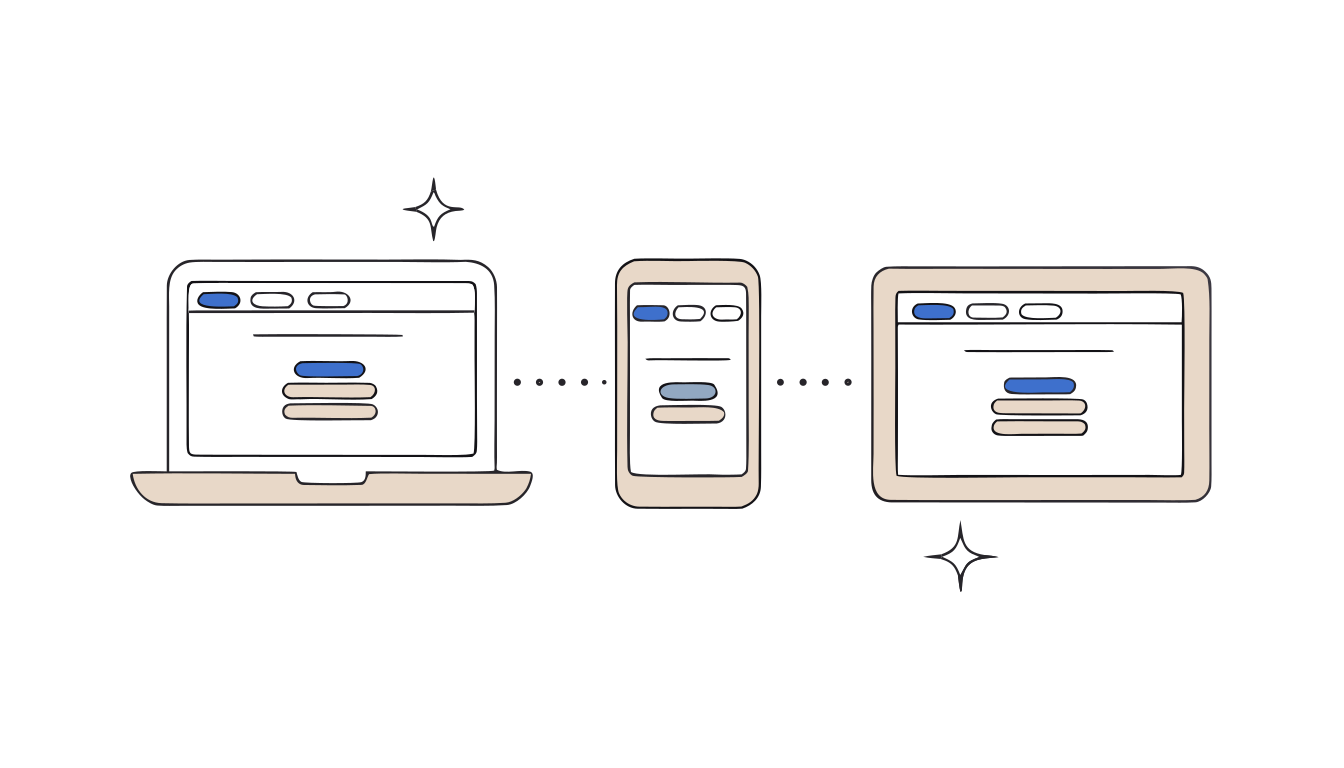
In short: Your tabs only follow you if both devices are signed in to Chrome with the same Google Account and "History and tabs" is turned on (More > Settings > You and Google > your account name).[1] Then look in More > History > History > Tabs from other devices.[1]
You opened something on your phone on the train. At your desk, Chrome shows nothing. Usually one setting is off, and it takes a minute to find which.
First, look in the right place
On your computer, select More > History > History, then Tabs from other devices on the left.[1]
The 4 things to check
- Same account on both devices. Your info is shared across devices where you're signed in with the same account.[1] A work account on one and a personal one on the other won't meet.
- "History and tabs" is on. Tabs aren't part of the default list. Turn them on: More > Settings > You and Google, select your account name, turn on History and tabs.[1] Do it on each device.
- You're really signed in. When you sign out of Chrome, your info stays in your Google Account and is removed from the device.[1]
- Old info still local? Bookmarks and other info saved while signed out stay only on that device. Select your Profile, then Save x items in Account.[1]
Using a sync passphrase?
With your own passphrase, you need to enter it on each device where you're signed in. And not all history syncs: only web addresses you typed in the address bar.[1]
The limits
- It shows what's open now. Synced tabs are a view of other devices, not a saved copy.
- One Google Account per profile. Separate accounts need separate Chrome profiles.[1]
Moving to a new computer for good? Read how to move your Chrome tabs to another computer.
Close tabs without fear. Keeptab saves your tabs in one click, backs them up every hour and notes your open tabs every 5 minutes. Free for Chrome.
Add to Chrome — it's freeTabs worth keeping deserve a list
When tabs matter, Keeptab, our free Chrome extension, saves them as a list in a click and closes them.[2] Lists are backed up every hour, and an optional daily file in Downloads/Keeptab survives even an uninstall.[2] Keeptab Sync, to get your lists on several computers, is an optional paid add-on.[2]
FAQ
Why don't my phone tabs show up in Chrome on my computer?
Check that both devices use the same Google Account and that History and tabs is turned on in Settings, under You and Google.
Where are tabs from other devices in Chrome?
Select More, then History, then History, then Tabs from other devices on the left.
Does a sync passphrase affect history?
Yes. With a passphrase, only web addresses typed in the address bar are synced to your Google Account.
Sources
- Google Chrome Help. Get your bookmarks, passwords, and more on all your devices. https://support.google.com/chrome/answer/165139?hl=en&co=GENIE.Platform%3DDesktop
- Keeptab. The OneTab alternative to stop losing your tabs. https://keep-tab.com/onetab-alternative
Close tabs without fear
Keeptab saves your tabs in one click, backs them up every hour and notes your open tabs every 5 minutes. Free for Chrome.
Add to Chrome — it's free