 Keeptab
Chrome keeps crashing with lots of tabs: recover them, then fix it
Published
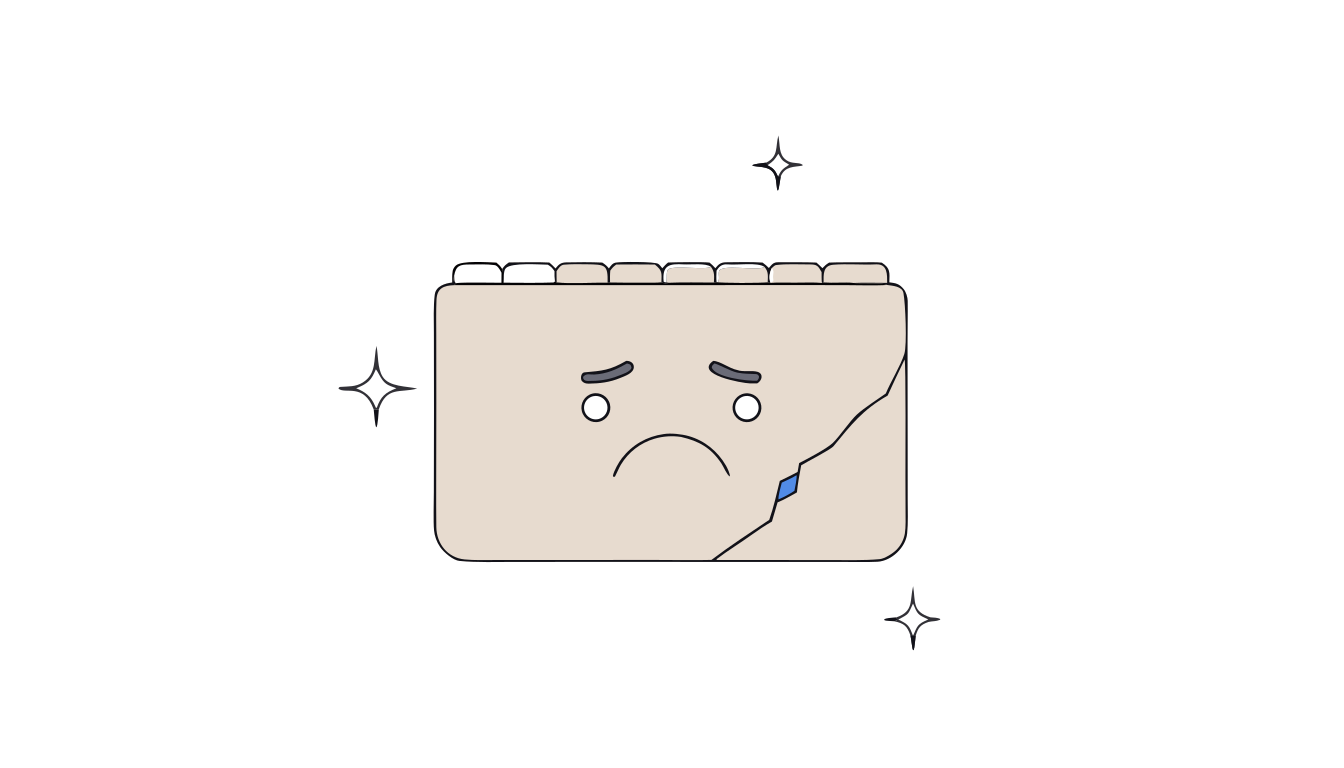
In short: First, reopen your tabs with Ctrl+Shift+T (⌘+Shift+T on Mac).[1] Then free memory: your computer may have run out of it, so close tabs you don't need, quit other apps and uninstall unused extensions.[1] If crashes continue, turn off hardware acceleration.[1]
The page goes grey, the window freezes, Chrome closes. With forty tabs open, the crash hurts less than the fear of losing them. Recover first, fix second.
1. Get your tabs back
Quit Chrome and reopen it (Ctrl+Q on Windows, ⌘+Q on Mac).[1] Then press Ctrl+Shift+T (⌘+Shift+T on Mac) to reopen the tabs that were open before.[1] Press it again for each earlier batch. More ways in how to reopen a closed tab.
2. Free up memory
Google's first suspect is memory: your computer may have run out of it and can't load the page while running your apps, extensions and programs.[1] To free some:
- Close tabs you don't need right now.[1]
- Quit other apps and pause downloads.[1]
- Uninstall extensions you don't use.[1]
Chrome also has built-in settings that lighten heavy sessions; see too many tabs slowing down Chrome.
3. Still crashing?
- Test the extensions. Uninstall them all, then add them back one by one to find the culprit.[1]
- Turn off hardware acceleration. More > Settings > System, turn off Use hardware acceleration when available, then restart Chrome.[1]
- Restart the computer. Another program may be getting in the way.[1]
Why we end up with so many tabs
A Carnegie Mellon study found the median participant started struggling at 8 open tabs, yet people keep them because closing feels like losing work.[2] Saved links often fall into a "black hole" nobody reopens.[2] The fix isn't willpower, it's a place to put tabs that you can actually search.
Close tabs without fear. Keeptab saves your tabs in one click, backs them up every hour and notes your open tabs every 5 minutes. Free for Chrome.
Add to Chrome — it's freeClose tabs without losing them
Keeptab, our free Chrome extension, saves a window as a list in one click and checks the list before it closes the tabs.[3] It also notes your open tabs every 5 minutes, so a crash costs you less.[3]
FAQ
Why does Chrome crash with many tabs open?
Your computer may have run out of memory. Google recommends closing tabs you don't need, quitting other apps and uninstalling unused extensions.
How do I restore tabs after Chrome crashes?
Reopen Chrome and press Ctrl+Shift+T, or Command+Shift+T on Mac, to reopen the tabs that were open before.
Does turning off hardware acceleration help?
It can. Go to Settings, then System, turn off Use hardware acceleration when available, and restart Chrome.
Sources
- Google Chrome Help. Fix Chrome if it crashes or won't open. https://support.google.com/chrome/answer/142063?hl=en&co=GENIE.Platform%3DDesktop
- Carnegie Mellon University. Chang et al., “When the Tab Comes Due: Challenges in the Cost Structure of Browser Tab Usage”, CHI 2021. https://doi.org/10.1145/3411764.3445585
- Keeptab. The OneTab alternative to stop losing your tabs. https://keep-tab.com/onetab-alternative
Close tabs without fear
Keeptab saves your tabs in one click, backs them up every hour and notes your open tabs every 5 minutes. Free for Chrome.
Add to Chrome — it's free