 Keeptab
How to select multiple tabs in Chrome
Published
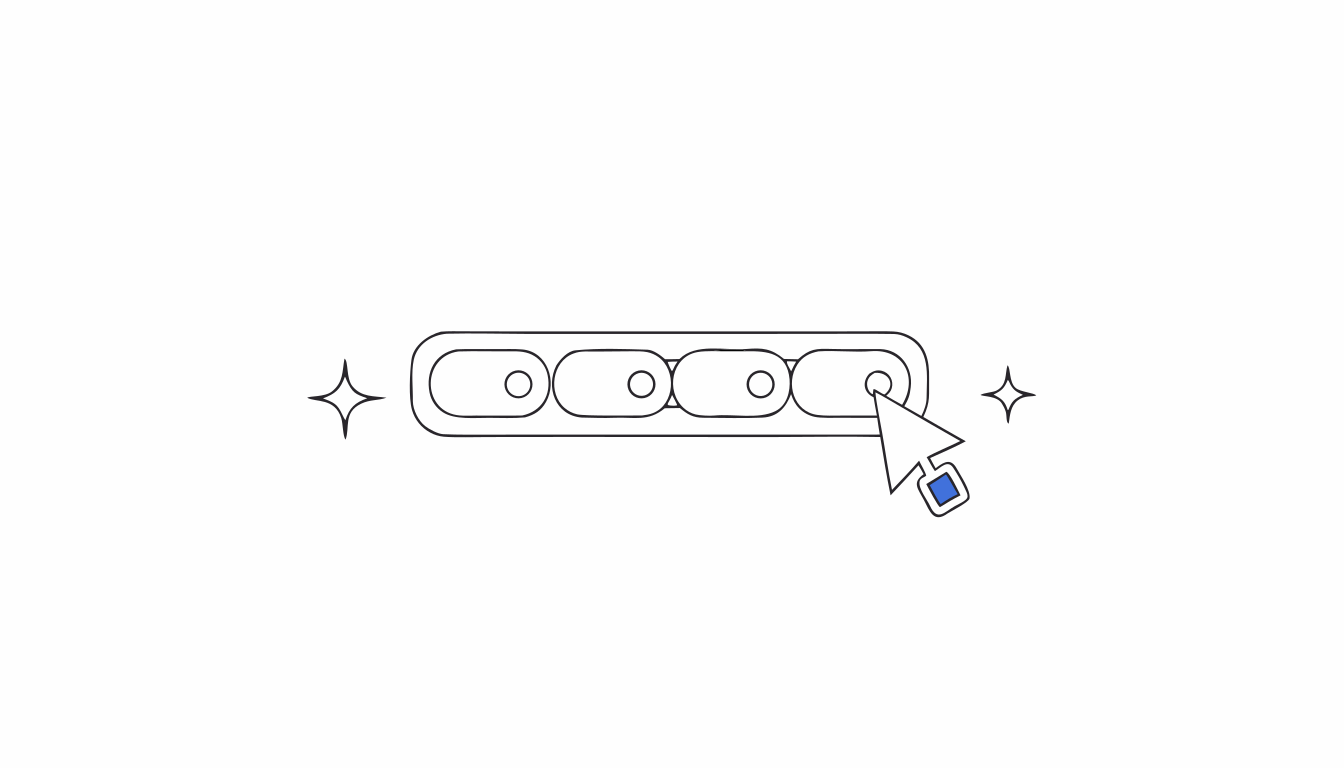
In short: Hold Ctrl and click each tab you want, or click the first tab, hold Shift and click the last one to select a range. Then right-click any highlighted tab to group, move, pin, mute or close them all at once.[1]
Closing or moving tabs one at a time is fine for three tabs. For fifteen, it's a chore. Chrome lets you highlight several tabs and treat them as one.
Select tabs with a mouse
- Specific tabs: press Ctrl and click each tab you want to add.[1]
- A range of tabs: click the first tab, press Shift, then click the last one. The whole range is highlighted, along with the active tab.[1]
Select tabs without a mouse
Press F6 twice to reach the tabs, then Ctrl+Shift+H.[1][2]
What you can do with them
Right-click any of the highlighted tabs, then choose:[1]
- Add tabs to group, to keep a project together.
- Move tabs to another window, or drag them out to start a new one.
- Pin or Unpin.
- Mute or Unmute.
- Close.
If the selection acts up, deselect the tabs and select them again.[1] Closed the wrong batch? Here's how to reopen closed tabs.
The missing action: save them
The right-click menu can group, move or close a selection. It can't put those tabs aside for next week while freeing the window. A tab group still keeps every tab open.[1] Read what to do when tab groups disappear before trusting them with work you care about.
Close tabs without fear. Keeptab saves your tabs in one click, backs them up every hour and notes your open tabs every 5 minutes. Free for Chrome.
Add to Chrome — it's freeSelect, save, close
Keeptab, our free Chrome extension, saves a window, one tab, or the tabs to its left or right into a list in one click. The list is written and read back before any tab closes.[3]
Tab groups keep their names and colors, and you find any tab again by word, date or site.[3]
FAQ
How do I select multiple tabs in Chrome?
Press Ctrl and click each tab, or click the first tab, press Shift and click the last one to select a range.
How do I close several tabs at once in Chrome?
Select them with Ctrl or Shift, right-click one of the highlighted tabs and choose Close.
Can I select tabs with the keyboard?
Yes. Press F6 twice, then Ctrl+Shift+H.
Sources
- Google Chrome Help. Manage tabs in Chrome. https://support.google.com/chrome/answer/2391819?hl=en&co=GENIE.Platform%3DDesktop
- Google Chrome Help. Chrome keyboard shortcuts. https://support.google.com/chrome/answer/157179?hl=en&co=GENIE.Platform%3DDesktop
- Keeptab. The OneTab alternative to stop losing your tabs. https://keep-tab.com/onetab-alternative
Close tabs without fear
Keeptab saves your tabs in one click, backs them up every hour and notes your open tabs every 5 minutes. Free for Chrome.
Add to Chrome — it's free