 Keeptab
Can't find a tab in Chrome? Use Tab Search
Published
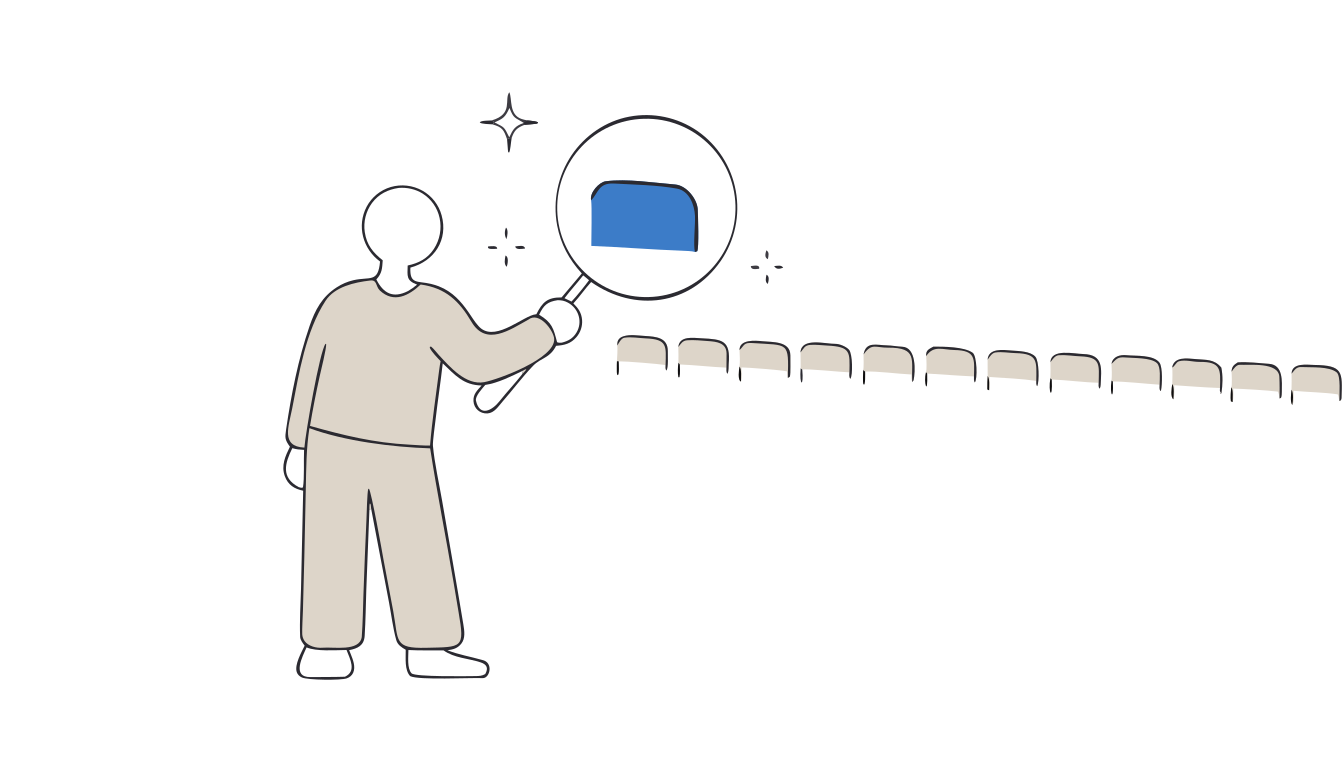
In short: Press Ctrl + Shift + A (⌘ + Shift + A on Mac) to open Tab Search, type a few words, and pick the tab.[1] You can also type @tabs in the address bar, then press Tab or Space.[1]
50 tabs, and the one you need is hiding
When tabs shrink to tiny icons, they all look the same. You click left and right, and the page you need is nowhere. Chrome has a search box made for this, and many people never notice it.
Tab Search: three ways to open it
- Keyboard: Ctrl + Shift + A on Windows and Linux, ⌘ + Shift + A on Mac.[1]
- Button: Tab Search is pinned in the tab strip by default. Select it to open the list.[1]
- Address bar: type
@tabs, press Tab or Space, then type your keywords.[1]
Type a few words from the page title or site. In the list of open tabs, select a tab to go to it, or select Close next to it to close it.[1]
Two more tricks
- Select several tabs at once. Hold Ctrl and click tabs to pick them one by one, or click a first tab, hold Shift and click a last one to pick a range. Then right-click to group, move, or close them together.[1]
- Tabs on your other devices. If you sync “History and tabs”, More › History › History › “Tabs from other devices” lists the tabs open on your other computers and phones.[2]
The limits
- Tab Search only sees open tabs. Once a tab is closed, it is not in the list. You need History, or our guide to recovering lost tabs.
- It does not reduce the clutter. You find the tab, but the other 49 are still open.
Close tabs without fear. Keeptab saves your tabs in one click, backs them up every hour and notes your open tabs every 5 minutes. Free for Chrome.
Add to Chrome — it's freeA safer way: Keeptab
Keeptab is a free tab manager for Chrome, made by us. It was built for one job: stop losing your tabs.
- One click saves your open tabs into a list and closes them.
- Automatic backup every hour, and a note of your open tabs every 5 minutes in case Chrome crashes.
- A 30-day trash: a list you delete can still be brought back.
- A daily backup file that survives even if you uninstall the extension.
- OneTab import in one paste, if you are moving from it.
Keeptab Sync, to get your lists on several computers, is an optional paid add-on. Everything else is free.
Keeptab also has a search box: it looks through all your saved lists, not just the tabs that are open.
FAQ
How do I search open tabs in Chrome?
Press Ctrl + Shift + A (⌘ + Shift + A on Mac), or select Tab Search in the tab strip, then type keywords. You can also type @tabs in the address bar and press Tab or Space (Google Chrome Help).
Where is the Tab Search button in Chrome?
Google Chrome Help says Tab Search is on and pinned in the tab strip by default. If you removed it, use the shortcut Ctrl + Shift + A or ⌘ + Shift + A.
Can Tab Search find closed tabs?
No. Tab Search lists your open tabs. For closed tabs, use Ctrl + Shift + T or your Chrome History.
Sources
- Google Chrome Help. Manage tabs in Chrome. https://support.google.com/chrome/answer/2391819?hl=en&co=GENIE.Platform%3DDesktop
- Google Chrome Help. Get your bookmarks, passwords, and more on all your devices. https://support.google.com/chrome/answer/165139?hl=en&co=GENIE.Platform%3DDesktop
Close tabs without fear
Keeptab saves your tabs in one click, backs them up every hour and notes your open tabs every 5 minutes. Free for Chrome.
Add to Chrome — it's free