 Keeptab Dark
Night light vs dark mode: which one should you use?
Published
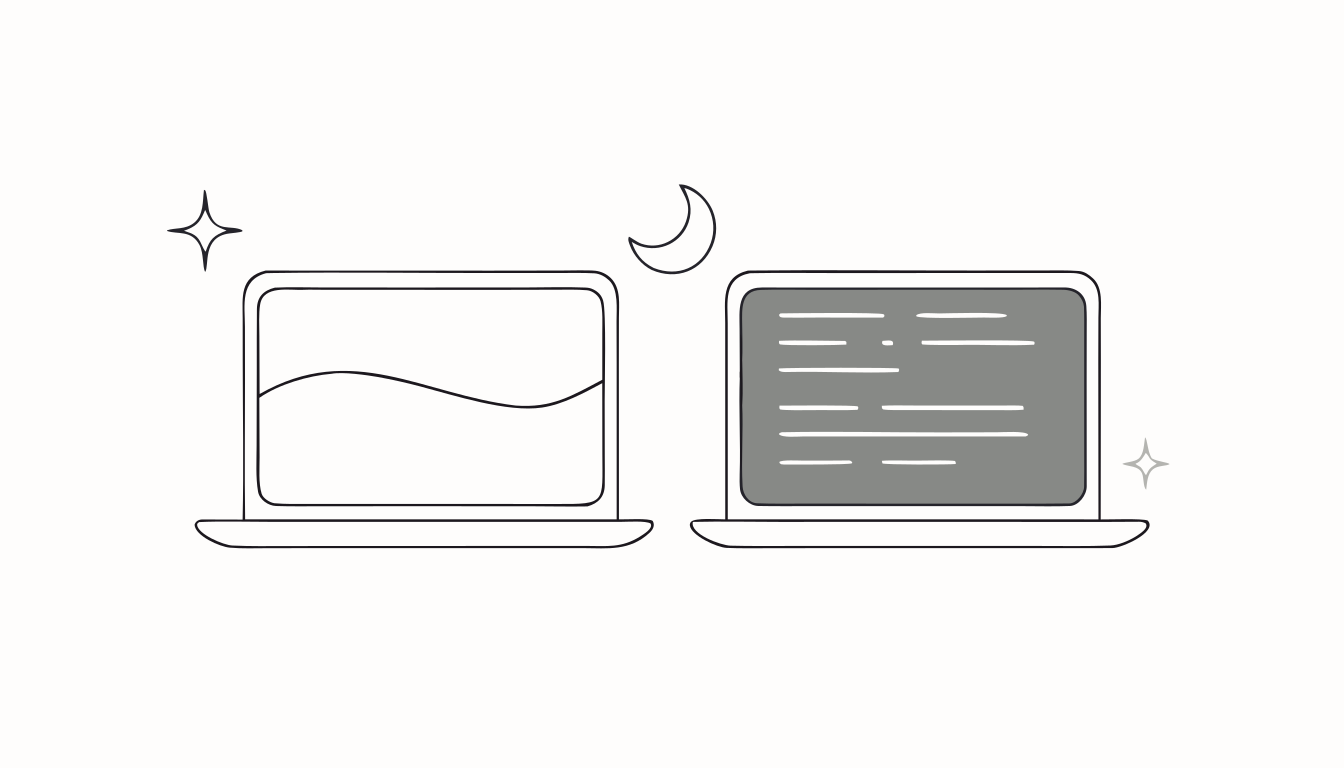
In short: They solve different problems. Night light (Night Shift on a Mac) shifts the whole screen toward warmer colors to cut blue light in the evening.[1][2] Dark mode swaps white backgrounds for dark ones, which reduces glare in a dark room.[3] The American Academy of Ophthalmology suggests night settings and less screen time before bed.[3] You can use both at once.
Night light vs dark mode is one of those questions where both answers sound right. Both live in your display settings, both come out after sunset, and some articles use the two names for the same thing. Even the American Academy of Ophthalmology describes “night mode, or dark mode” in a single breath.[3] They aren't the same tool, though.
What night light does
Night light changes the color of everything on screen. Microsoft explains that your display emits blue light, which can keep you up at night, and that night light shows warmer colors in the evening.[1] On Windows you'll find it in Settings › System › Display, with a strength slider and a schedule: sunset to sunrise, or hours you choose.[1]
Apple's version on the Mac is called Night Shift. It uses your computer's clock and location to know when the sun sets, then moves the display to the warmer end of the spectrum until morning.[2] Apple points to studies showing that bright blue light in the evening can affect your circadian rhythms and make it harder to fall asleep.[2]
Night light doesn't change your layout. A white page stays a page full of light, just more yellow.
What dark mode does
Dark mode changes the design: dark backgrounds, light text. The AAO says this reduces glare and helps your eyes adjust to the room around you, and that a very bright screen in a dark room can cause digital eye strain.[3] Fewer white areas also means less light overall coming at you.
Dark mode doesn't change color temperature. Any bright white area left on screen is still the same white.
What eye doctors say about sleep
The AAO explains that bright light at night can make the brain stop producing melatonin, the sleep hormone.[3] Its advice is to limit screen time in the one to two hours before bed and to use night settings on your devices.[3] It also says blue light doesn't damage the eye.[3] If you still have eye strain or trouble sleeping, it suggests talking to an ophthalmologist.[3]
Our reading: night light targets the color of the light, dark mode targets the amount. For eyes, see our piece on whether dark mode is better for your eyes.
How to use both together
- Schedule night light on Windows (Settings › System › Display › Night light) or Night Shift on a Mac (System Settings › Night Shift).[1][2]
- On a Mac, set Appearance to Auto. Apple says your Mac then switches to dark when Night Shift turns on.[2]
- Lower brightness in the evening. Even a warm, dark screen is still a light source.
- Look for the white leftovers: the websites and documents that ignore your dark setting.
Docs, Sheets and Slides in real dark mode. Keeptab Dark turns the whole Google Docs, Sheets, Slides and Excel page dark. Images keep their colors, and there is no white flash. Alt+Shift+D turns it on or off.
Add to Chrome — it's freeThe white page that ignores both
That last point is where Google Docs comes in. With night light on, a Docs page is still a big rectangle of light, only warmer. Docs has no dark mode on computers.
Keeptab Dark is our Chrome extension that darkens the page itself in Google Docs, Sheets, Slides and Excel for the web.[4] The Soft gray theme is free. Pro adds a night setting, on at night and off by day, following your computer or your own hours, so it can switch together with your night light.[4]
FAQ
Is night light the same as dark mode?
No. Night light shifts the screen's colors toward warmer tones to reduce blue light. Dark mode replaces white backgrounds with dark ones. They can be used together.
Which is better for sleep, night light or dark mode?
The American Academy of Ophthalmology recommends limiting screens one to two hours before bed and using night settings. Night light targets blue light; dark mode reduces how much bright area is on screen.
Can a Mac switch to dark mode with Night Shift?
Yes. Apple says that if Appearance is set to Auto, your Mac switches to dark when Night Shift is on, following the schedule you set.
Sources
- Microsoft Support. Change display brightness and color in Windows. https://support.microsoft.com/en-us/windows/hardware/display-graphics/change-display-brightness-and-color-in-windows
- Apple Support. Use Night Shift on your Mac. https://support.apple.com/en-us/102191
- American Academy of Ophthalmology. Should You Use Night Mode to Reduce Blue Light? (2019). https://www.aao.org/eye-health/tips-prevention/should-you-use-night-mode-to-reduce-blue-light
- Keeptab Dark. Dark mode for Google Docs, Sheets, Slides and Excel. https://keep-tab.com/dark/
Docs, Sheets and Slides in real dark mode
Keeptab Dark turns the whole Google Docs, Sheets, Slides and Excel page dark. Images keep their colors, and there is no white flash. Alt+Shift+D turns it on or off.
Add to Chrome — it's free