 Keeptab Dark
Why doesn't Google Docs have dark mode on a computer?
Published
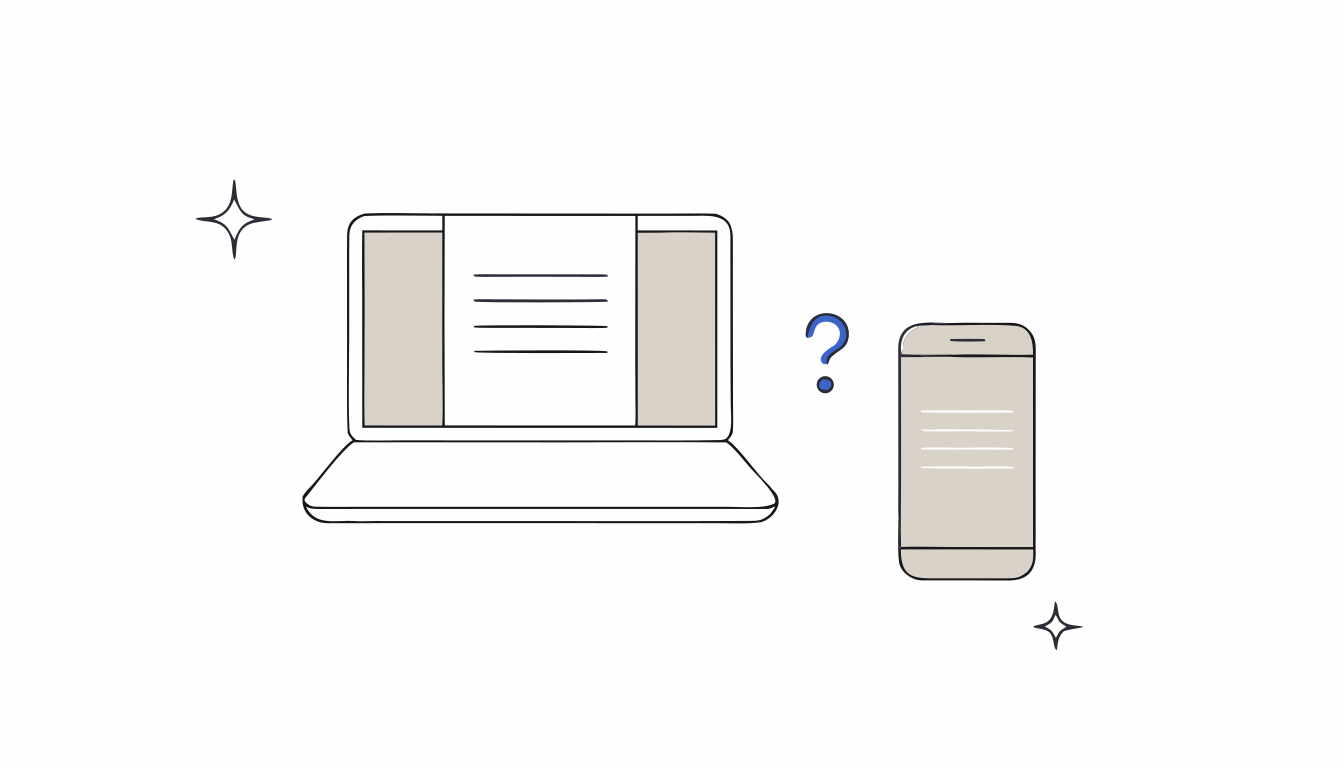
In short: Google hasn't explained it in its help pages. What we know: the dark theme exists only in the Docs, Sheets and Slides apps on phones and tablets,[1] and Chrome's own dark mode darkens the browser, not your document.[2] Microsoft's notes on Word show why a dark page is tricky: printing, collaborators, charts and pasted text all need special handling.[3]
It's 11 p.m., the room is dark, and Google Docs is a sheet of white light aimed at your face. You open the settings looking for a dark mode. There isn't one. On your phone, the same document has had a dark theme for years. So why doesn't Google Docs have dark mode on a computer?
The honest answer starts with what nobody knows: Google hasn't published a reason. What follows is what Google does say, and what other editors teach us about the problem.
What Google offers today
The Docs, Sheets and Slides apps on Android, iPhone and iPad have a theme setting: Dark, Light or System default.[1] Google adds two details that matter here. Collaborators can't see the theme you choose. And the dark theme “automatically adjusts your documents and sheets”, with a View in light theme option to check what others will see.[1]
On a computer, the Docs editor runs in the browser. Chrome has a dark mode, but Google describes its reach precisely: your homepage, toolbar, settings and some other pages turn dark.[2] The page of your document isn't on that list, which is why turning on Chrome's dark mode leaves Docs white.
Why a dark page is harder than a dark menu
Darkening buttons and menus is the easy part. Darkening the page you're writing on is a different job, because that page stands for paper. Microsoft did it in Word, and its help page reads like a list of the problems that come with it.[3]
- Printing. Microsoft says the dark page “does not convey how your document will print”, so Word always prints with the light page color.[3]
- Collaborators. Your dark mode must not change what others see. Word respects each person's view.[3]
- Colors inside the document. Microsoft lists charts, text boxes and equations among the components that may not switch to dark, and pasted text can show up black on a white background.[3]
- A way back. Word added a Switch Modes button to see the light page, and an option to keep the page white for good.[3]
Google's phone apps solve the same puzzle in their own way: the theme adjusts documents to fit, and a light preview shows the real page.[1] Bringing that to the desktop editor, where people format, print and share far more, is plausibly a bigger project. That last sentence is our reading, not something Google has said.
What you can do in the meantime
- On a phone or tablet, use the app's built-in dark theme: Menu › Settings › Choose theme.[1]
- On a computer, Chrome's dark mode will at least darken the browser around Docs.[2]
- Avoid changing the page color as a fake dark mode. That setting belongs to the file, so everyone gets your black page, printer included. Our article on dark mode and printing explains the difference.
For a full tour of the options in the browser, see our guide to Google Docs dark mode on a computer.
Docs, Sheets and Slides in real dark mode. Keeptab Dark turns the whole Google Docs, Sheets, Slides and Excel page dark. Images keep their colors, and there is no white flash. Alt+Shift+D turns it on or off.
Add to Chrome — it's freeKeeptab Dark: the page goes dark, the file doesn't change
We built Keeptab Dark because we were tired of waiting. It's a Chrome extension that darkens the page itself in Google Docs, Sheets, Slides and Excel for the web, not only the menus.[4] It tackles the same problems listed above: images keep their real colors, gridlines stay readable in spreadsheets, and the file stays the same for others, when printing and in PDF.[4]
The Soft gray theme is free. Alt+Shift+D switches it on or off when you need to see the real page.[4]
FAQ
Will Google Docs get a dark mode on desktop?
Google hasn't announced one in its help pages. Today the dark theme is only available in the Docs, Sheets and Slides apps on Android, iPhone and iPad.
Why doesn't Chrome's dark mode work on Google Docs?
Google says Chrome's dark mode darkens the homepage, toolbar, settings and some other pages. The content of a document isn't part of it.
Can collaborators see my dark theme in Google Docs?
No. Google says collaborators can't see the theme you choose in the Docs, Sheets and Slides apps.
Sources
- Google Docs Editors Help. Use Dark theme in Google Docs, Sheets & Slides. https://support.google.com/docs/answer/9955476?hl=en&co=GENIE.Platform%3DAndroid
- Google Chrome Help. Browse in Dark mode or Dark theme. https://support.google.com/chrome/answer/9275525?hl=en&co=GENIE.Platform%3DDesktop
- Microsoft Support. Dark Mode in Word. https://support.microsoft.com/en-us/word/dark-mode-in-word
- Keeptab Dark. Dark mode for Google Docs, Sheets, Slides and Excel. https://keep-tab.com/dark/
Docs, Sheets and Slides in real dark mode
Keeptab Dark turns the whole Google Docs, Sheets, Slides and Excel page dark. Images keep their colors, and there is no white flash. Alt+Shift+D turns it on or off.
Add to Chrome — it's free