 Keeptab Dark
How do I turn on dark mode on my iPhone?
Published
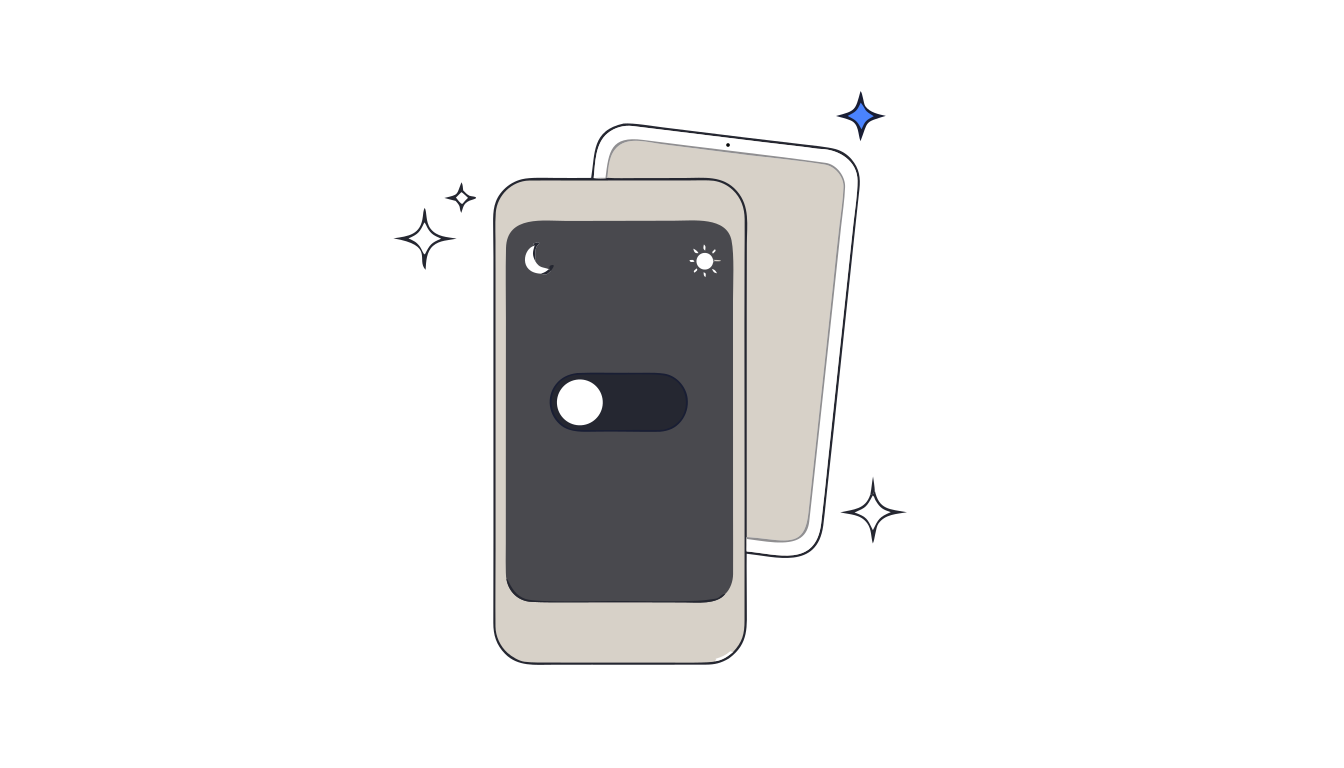
In short: Open Settings, tap Appearance and select Dark; in iOS 26 and earlier, the option is in Display & Brightness.[1] For a quicker switch, open Control Center, touch and hold the brightness bar and select Dark Mode.[1] Choose Automatic, then Options, to schedule it.[1]
Dark mode on an iPhone takes about four seconds to turn on. The more useful part is what happens next: some apps follow it straight away, some need their own setting, and one you probably use every day doesn't follow it at all.
Turn it on in Settings
In iOS 26 and earlier, you'll find the same options under Display & Brightness.[1] The steps are the same on an iPad.[1]
The faster way: Control Center
- Open Control Center.[1]
- Touch and hold the brightness bar.[1]
- Select Dark Mode to turn it on or off.[1]
Don't see it? Touch and hold a blank space in Control Center, tap Add a Control at the bottom of the screen, and select Dark Mode.[1]
Let it switch on by itself
Our reading: this is the setting worth the effort. A schedule means you never have to remember dark mode at night, which is exactly when you're least likely to.
Which Google apps follow your iPhone
- Google Drive follows your device: Google's instruction is simply to turn on Dark Mode on your iPhone or iPad. It needs iOS 13 or later.[3] Details in Google Drive dark mode.
- Gmail works the same way: when you update your device settings, Google says apps change to match.[4] See Gmail dark mode.
- Google Docs, Sheets and Slides have their own Theme setting, with Dark, Light or System default.[2] Pick System default once and they follow your iPhone. Step by step for Docs and Sheets.
Where it stops
- Each device is its own. Dark mode on your iPhone doesn't change your iPad or your Mac.
- Your theme stays private. In Docs, Sheets and Slides, collaborators can't see the theme you choose.[2]
- The computer is the odd one out. Open the same Google Doc in a browser on your laptop and it's a white page again: Docs has no dark theme on a computer.
Docs, Sheets and Slides in real dark mode. Keeptab Dark turns the whole Google Docs, Sheets, Slides and Excel page dark. Images keep their colors, and there is no white flash. Alt+Shift+D turns it on or off.
Add to Chrome — it's freeThe same dark page on your computer
Keeptab Dark is our Chrome extension that darkens the page itself in Google Docs, Sheets, Slides and Excel for the web, so the document you read dark on your iPhone stays dark on your laptop.[5] Images keep their colors, and the file is unchanged for others, when printing and in PDF.[5]
The Soft gray theme is free, and Alt+Shift+D turns it on or off.[5] Pro switches on at night and off by day, following your computer or your own hours.[5]
FAQ
How do I turn on dark mode on iPhone?
Open Settings, tap Appearance and select Dark. In iOS 26 and earlier, the option is in Display & Brightness. You can also hold the brightness bar in Control Center and tap Dark Mode.
Can I schedule dark mode on my iPhone?
Yes. In Settings, tap Appearance, select Automatic, then tap Options to set a schedule.
Does Google Docs follow iPhone dark mode?
If you choose System default in the Docs app's Theme setting, yes. Google Drive and Gmail follow your device's Dark Mode setting directly.
Sources
- Apple Support. Use Dark Mode on your iPhone and iPad. https://support.apple.com/en-us/108350
- Google Docs Editors Help. Use Dark theme in Google Docs, Sheets & Slides (iPhone & iPad). https://support.google.com/docs/answer/9955476?hl=en&co=GENIE.Platform%3DiOS
- Google Drive Help. Use Dark Mode in Google Drive (iPhone & iPad). https://support.google.com/drive/answer/9962935?hl=en&co=GENIE.Platform%3DiOS
- Gmail Help. Change your Gmail background (iPhone & iPad). https://support.google.com/mail/answer/112508?hl=en&co=GENIE.Platform%3DiOS
- Keeptab Dark. Dark mode for Google Docs, Sheets, Slides and Excel. https://keep-tab.com/dark/
Docs, Sheets and Slides in real dark mode
Keeptab Dark turns the whole Google Docs, Sheets, Slides and Excel page dark. Images keep their colors, and there is no white flash. Alt+Shift+D turns it on or off.
Add to Chrome — it's free